Do BYD cameras record?
Which models have BYD's own recorder, why the 360° cameras don't record, and recording with all four cameras without buying a dashcam.
Can't add your car in BYD's official app, or do you see "vehicle not responding", "weak network signal" or a service error? This guide lists the right steps to add the car to the app, the common causes and the fixes to try. If you are looking for a phone app that does not depend on BYD's servers, take a look at Yoldaş too.
Last updated: November 20, 2026
In the BYD app, create the account with the email address registered at the dealer when you bought the car, and choose the country where you bought it. According to BYD's guide, if a different email or country is chosen, registration fails or the car's data does not appear.
If the email does not arrive, check your spam folder or try another address.
Add the car with its chassis number (VIN) or by scanning the QR code under Settings › System › Remote control on the car screen. Menu names can differ by model and software.
If no QR code appears on the car screen, the car's remote services have not been activated yet. Ask the dealer to activate your account and your car.
Contact your BYD service or the dealer you bought the car from with your chassis number (VIN), your BYD account email and a screenshot of the error.
The Yoldaş phone app does not use BYD's servers; it talks to Yoldaş in your car. Even when the BYD app won't connect, you can still see your car on your phone. No app store is needed: on iPhone and Android, open app.yoldas.io and add it to your home screen.
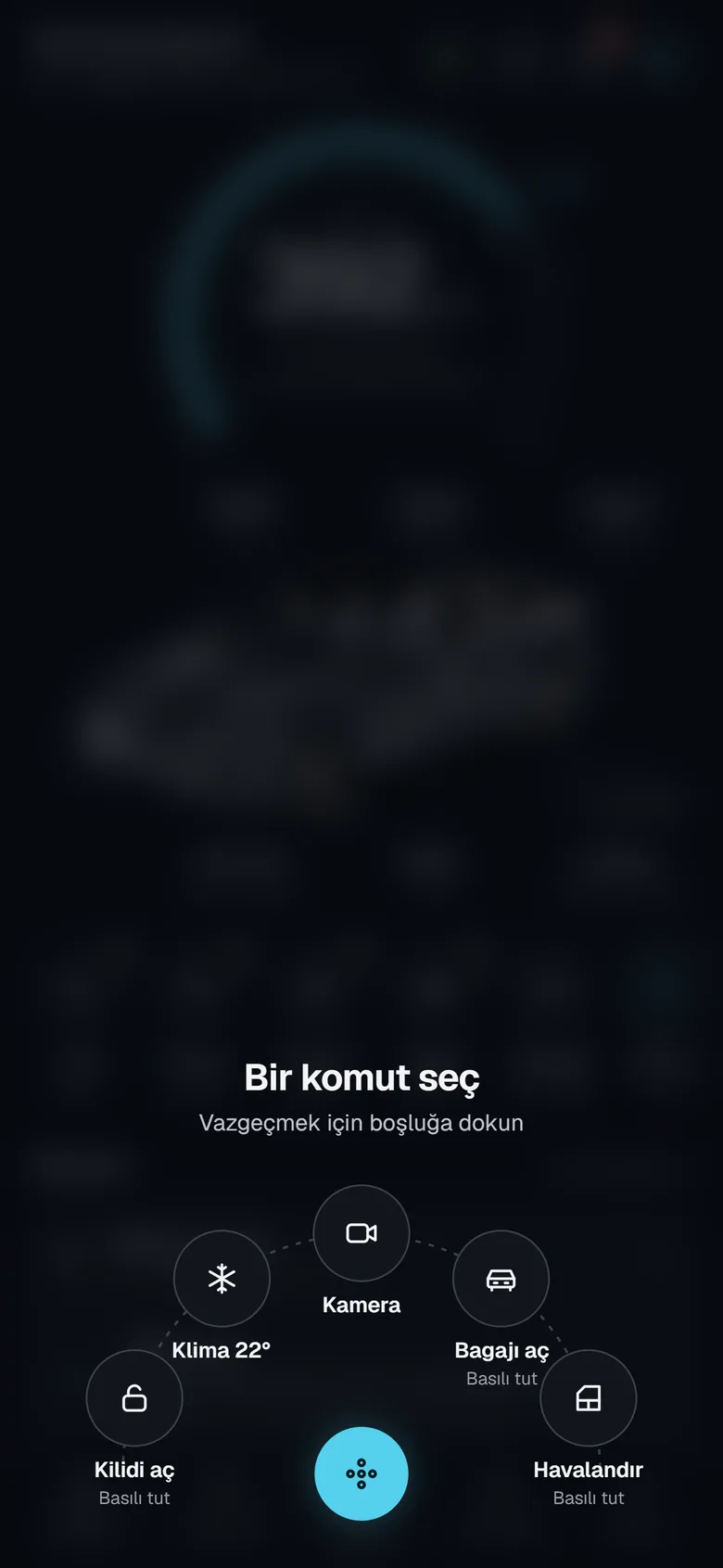
Without Yoldaş in your car, the phone app does not work on its own; the data and commands come from Yoldaş in the car. When each command works is explained on the remote control page.
Create your BYD account with the email address registered at the dealer and choose the country where you bought the car. Add the car with its chassis number (VIN) or by scanning the QR code under Settings › System › Remote control on the car screen. If there is no QR code, ask the dealer to activate the car's remote services.
The most common reasons: the car's own SIM or data service is offline, the car has not yet been activated by the dealer, the account was created with a different email address or country, or the app is out of date. Remote control needs both the phone and the car to be connected to the internet.
Update the app or delete and reinstall it, then sign out and sign in again. Restart the car screen and try again after a while. If the problem continues, contact your BYD service with your chassis number, account email and a screenshot of the error.
On a BYD, only one owner links the car at a time; other people are given access through the authorisation section in the app. Unlocking remotely also needs an operation password.
The Yoldaş phone app is independent of BYD's servers; it talks to Yoldaş in your car. Car status, lock, climate, live camera and Sentry notifications are all in this app.
Which models have BYD's own recorder, why the 360° cameras don't record, and recording with all four cameras without buying a dashcam.
Apps that are useful on the BYD screen for maps, music, video, dashcam and control from your phone.
Which apps are built into the BYD screen and which you install; Google Maps on the instrument cluster, YouTube while charging.
Which BYDs connect wired or wireless, how to connect, and putting the CarPlay map on the cluster behind the steering wheel.
Which markets have BYD's own sentry mode and which don't; watching your parked car with Yoldaş.
What the error messages mean, what changed in versions after 2310 and how apps get installed on a locked screen.
What a BYD update can do to installed apps, what to save before you install it and how to bring Yoldaş back afterwards.
Ways to open the 360° camera, the transparent chassis view, and watching and recording all four cameras from your phone.
What happens when the 12 V battery dies, how to get in, when BYD charges it on its own, and keeping an eye on the voltage.
Recommended cold tyre pressures model by model (bar, kPa, psi) and how to see the pressure on the screen or on your phone.
How to recognize DiLink 5, the two install paths BYD owners use and the settings to turn on after installing.
How to find your DiLink generation and software version, and what the first digits of the version decide in Yoldaş.
Ways to turn the rotating screen to landscape and portrait, which models have a rotating screen, and a shortcut for cars with no steering wheel button.
Copy the APK to a USB stick on your computer and open it on the car screen. Step by step, with the permission prompt and common problems.
Calculate the hash of the APK you downloaded on your computer and compare it with the value on the download page.
A checklist for recording reliability, where data stays, language, installation and update signing.
Learn what triggers, conditions and steps mean, how to set up your first automation and how to import one from a file.
Enter a price for each charge and see trip cost based on what you actually paid.
Free during the pilot. Current version 0.15.33. See the steps in the install guide.