BYD trip computer and tire pressure monitor
Yoldaş logs every trip on its own. Tire pressure, the 12 V battery, and door and window status are visible at a glance on the car screen and on your phone.
Last updated: October 4, 2026
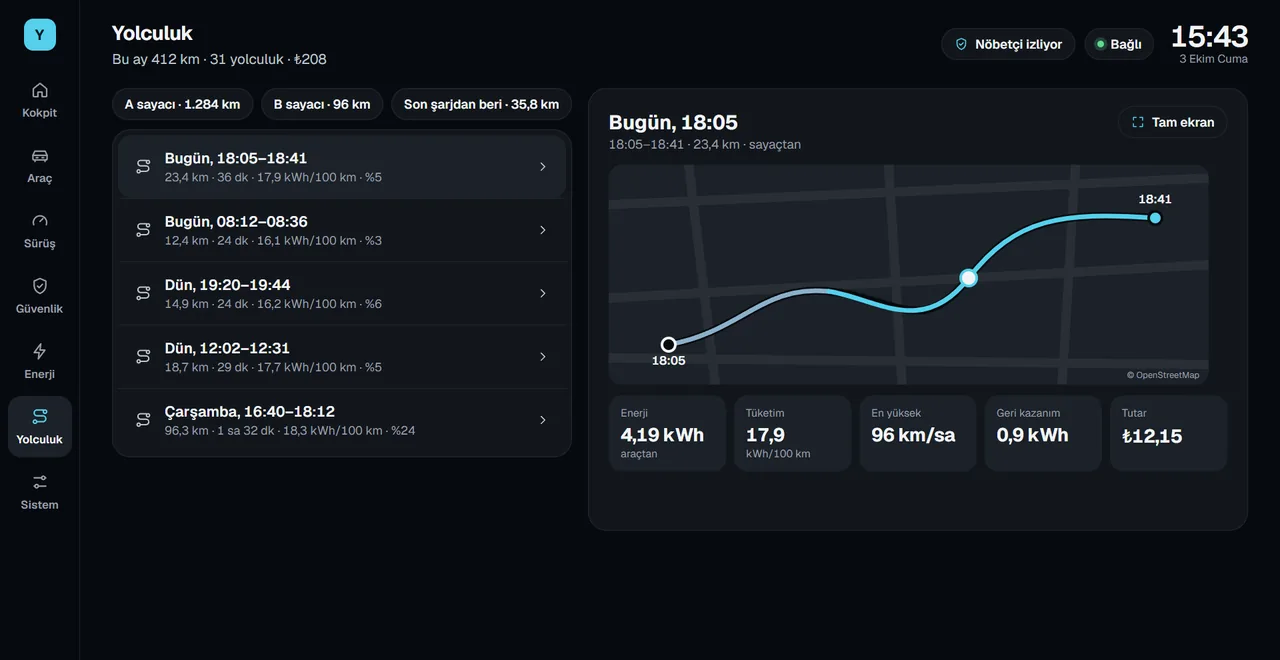
What's included?
- Trip summary: distance, duration, average and top speed, consumption, regeneration and cost.
- Speed and gear, accelerator pedal and acceleration on the driving screen.
- Tire pressure and temperature: bar, kPa or psi, with a warning when the pressure gets too low.
- 12 V battery voltage and a low-voltage warning.
- Doors and windows: which ones are open, and how far each window is open.
- Driving score: a score from 40 to 100 based on hard accelerations and hard braking.
- Acceleration timer: 0–100 km/h and 40–80 km/h times.
- Break reminder: after two hours of nonstop driving.
Trip details on your phone
On your phone, you see each trip's speed chart and its route, colored by speed. Slide your finger along the chart and the position at that moment is marked on the route. Filter by today, the last 7 days, the last 30 days or a date range. The Where is my car card shows the car's last location on a map.
Location and data sharing only turns on with your consent. Without it, trips stay in the car.
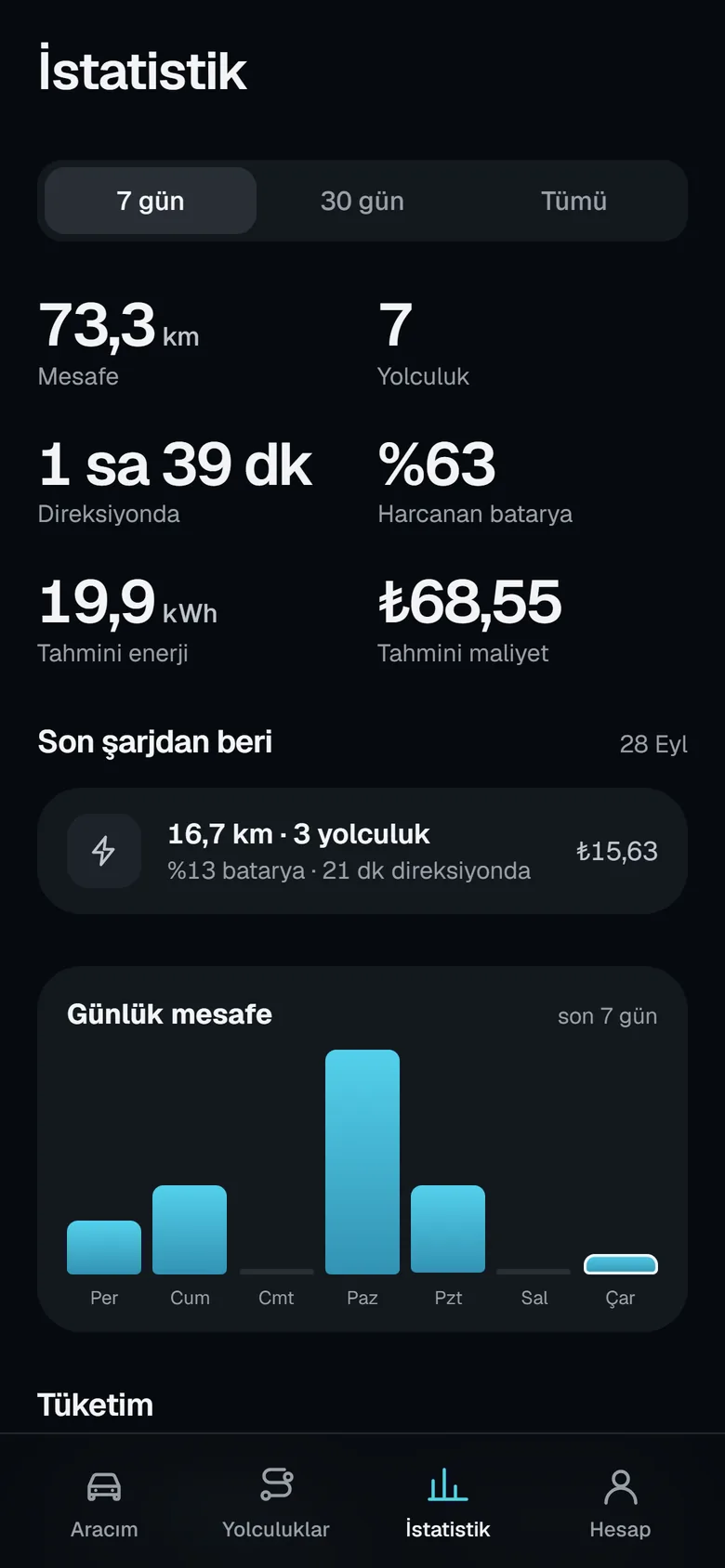
For energy and charging details, see the charging and consumption page.
Frequently asked questions
How are trips logged?
When the car leaves P and returns to P, Yoldaş counts it as a trip and saves a summary: distance, duration, average and top speed, consumption and cost. You do not need to do anything.
Which units are used for tire pressure?
You see the pressure read from the car in bar, kPa or psi. Yoldaş warns you when the pressure gets too low.
Can I export my trip history?
Yes. In the Account section on your phone, you can download your trips as a CSV file that opens in Excel. This file does not contain location data.
How is the driving score calculated?
It looks at the number of hard accelerations and hard braking events per 10 km. The score ranges from 40 to 100; calmer driving means a higher score.
Install Yoldaş in your car
Free during the pilot. Current version 0.10.2. See the steps in the install guide.