Download Yoldaş
Yoldaş has two parts: the car app you install on your BYD's multimedia screen, and the web app on your phone. Both are free during the pilot.
Car app (APK)
Android app for the BYD multimedia screen.
- Version
- 0.10.2
- Release date
- October 4, 2026
- Size
- 12.7 MB
Read the app install guide before you install.
File fingerprint (SHA-256)
fff51c5c989859fa07537729e4fdbf95628b3dd8e2d04c16a694473f812ba9f3
Phone app
Works on iPhone and Android. No app store download needed.
- Open the address
Open app.yoldas.io on your phone.
- Add it to your home screen
On iPhone, in Safari: Share › Add to Home Screen. On Android, in the Chrome menu: "Add to Home screen".
- Pair it with the car
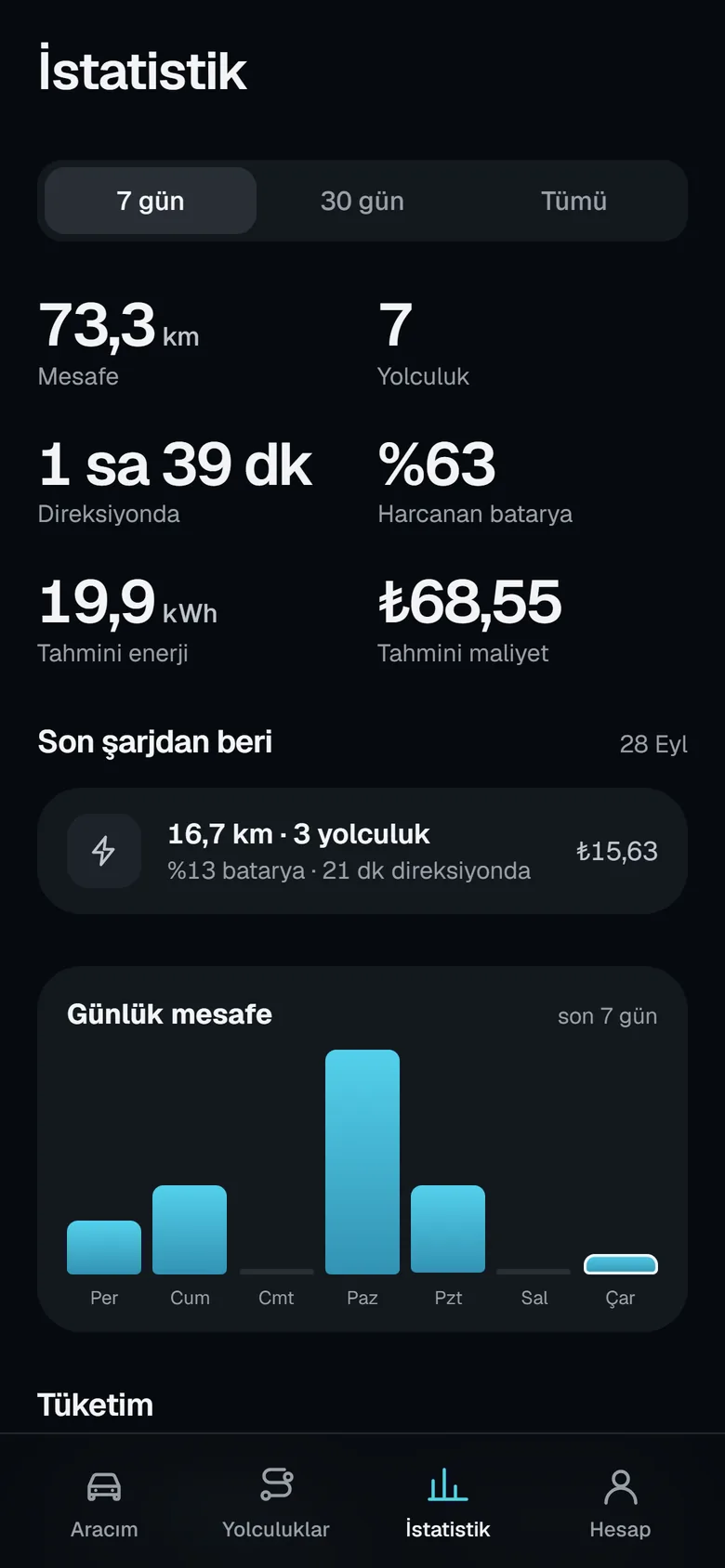
Create an account and scan the QR code on the car screen.
Updates
Once installed, Yoldaş downloads new versions by itself. Downloads only happen over an unmetered connection such as Wi-Fi. Before installing, it checks the file's integrity, package name, version number and signature. All you do is tap "Install" once on the screen while the car is in P.
Every change is listed in the release notes. How your data is protected is explained on the security page.
Frequently asked questions
Why isn't the phone app in the app store?
The phone side of Yoldaş is a web app. Open app.yoldas.io, add it to your home screen, and it opens like a regular app and receives notifications. On iPhone, notifications need iOS 16.4 or later.
How do updates arrive?
Yoldaş downloads the new version by itself over an unmetered connection such as Wi-Fi, checks its signature, and asks you to tap "Install" once on the screen while the car is in P.
Can I go back to an older version?
Automatic updates always install the newest version. If you run into a problem, write to us and we will share the file for the previous version.