Watch your BYD 360° camera live from your phone
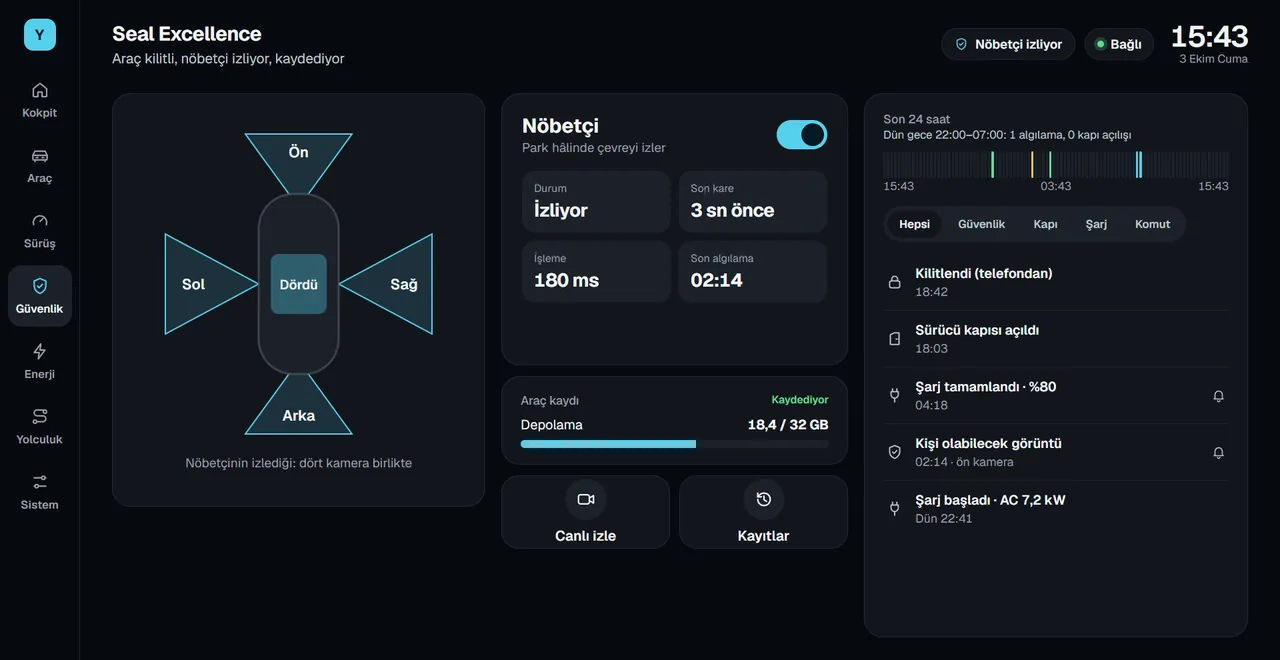
See your car's four surround cameras live on the car screen and on your phone. Check your parking spot and the area around the car from anywhere.
Last updated: October 4, 2026
What can you do?
- Four cameras on the car screen: live, all four together or one at a time. Tap any camera to enlarge it.
- Live view from your phone: you choose the camera and the quality. Low quality is 480×360 (10 frames per second), medium quality 640×480 (15 frames per second). Full screen and 90° rotation are available.
- Talk to the car and listen to the cabin: from your phone you can speak through the car's speaker and listen to the cabin. Each is turned on with its own permission.
- Turn camera: when you signal, the side camera on that side opens in a small window on the center screen.
Security rules
- Only the owner can watch. The phone must be signed in with the account that owns the car.
- One viewing session at a time. A session lasts up to 10 minutes; then you restart it with one tap.
- Video is not stored. The server only passes the video through.
- People in the car know. While someone is watching, the car screen always shows a red "live view on" sign and a Stop button.
- Every start and stop is written to the car's event history.
How to use it
- Pair your phone with the car
Follow the steps on the download page to add the phone app and pair it with the car.
- Grant permissions in the car
Yoldaş asks for camera permission on first launch. The live view sign also needs the "display over other apps" permission.
- Watch from your phone
Tap the camera card on your phone and choose the camera and the quality.
Turn camera
When you signal left or right, Yoldaş shows the camera on that side on the center screen; the window closes when the signal ends. Under System › Turn camera, you choose:
- Window position: top left, top right, bottom left or bottom right.
- Screen width: from 20% to 50%.
- Shape: square, rounded corners or circle, with an optional mirror image.
- Delay before closing after the signal ends: 0 to 5 seconds.
- Hide it while the hazard lights are on and in reverse.
To watch the surroundings while parked, see Sentry Mode. For recording, see the dashcam page.
Frequently asked questions
Can I view my BYD 360 camera remotely?
Yes. With Yoldaş, you watch your car's four cameras live from your phone. The car must be in P and connected to the internet.
Is the live video recorded?
No. Live video is not stored on the server or on your phone. To record, use the dashcam feature.
Can someone else watch my car's cameras?
No. Only the account that owns the car can watch, and only one viewing session runs at a time. While someone is watching, the car screen always shows a red sign and a Stop button.
How do I turn on the turn camera?
In Yoldaş, go to System › Turn camera and turn on "Show on centre screen". You choose the window's position, size and shape on the same screen.
Install Yoldaş in your car
Free during the pilot. Current version 0.10.2. See the steps in the install guide.